Creator tools
Squidgy Teleprompter
Reads your script aloud, scrolls in time, takes voice commands. Built in one conversation with Ace. Installs to your home screen.
Most platforms give you a chatbot. Squidgy compiles your agent to a Progressive Web App — installable, full-screen, offline-capable. No app store. No native build pipeline. Same skill file as the chat widget and marketplace listing.
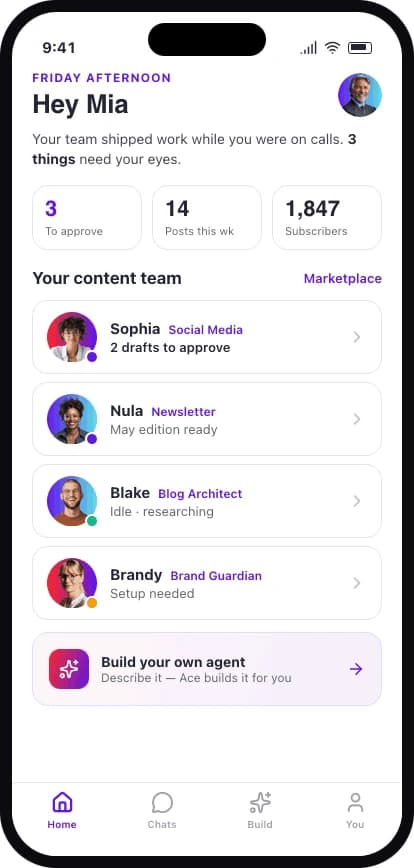
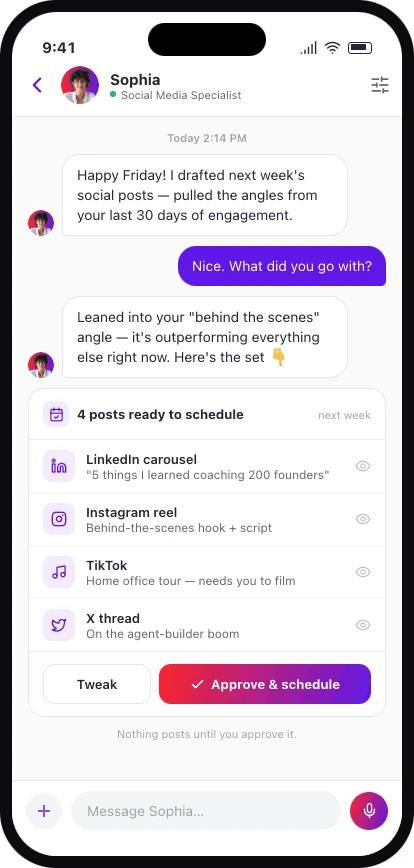
Tap to add to your home screen. Chat with your agents, review what they've drafted, and approve every send — nothing goes out until you say so.
Creator tools
Reads your script aloud, scrolls in time, takes voice commands. Built in one conversation with Ace. Installs to your home screen.
More apps land as the first builder cohort ships. Want yours here? Apply for the Agent Builder.
An agent app is an AI agent that's been compiled into an installable Progressive Web App (PWA). Same agent — same prompts, knowledge base, and tools — but ships as something users tap to home-screen and run full-screen. No app-store submission, no native build pipeline.
Open the app's URL in mobile Safari (iOS) or Chrome (Android, desktop), tap the share icon, and choose 'Add to Home Screen'. The app installs as a full-screen experience with its own icon. You can use it offline for tasks that don't need the LLM.
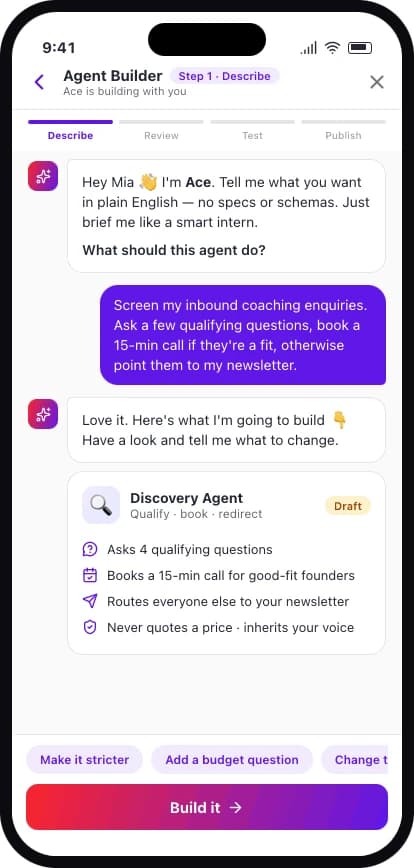
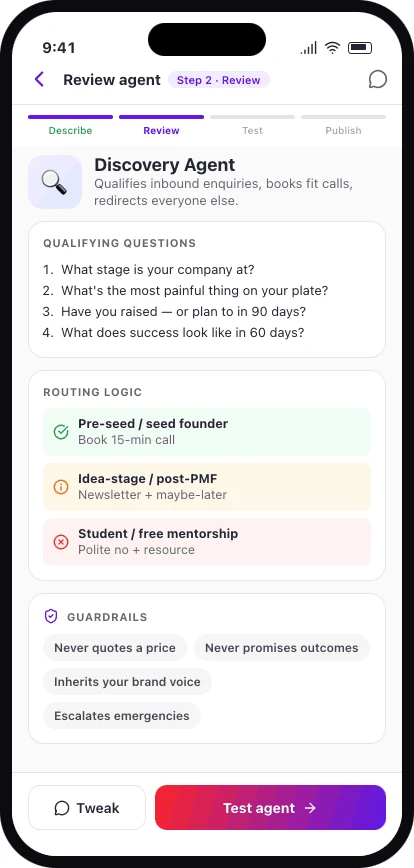
Through a single conversation with Ace, Squidgy's build agent. You describe what the app should do; Ace designs the agent, configures the workflow, and ships it as a chat widget, marketplace listing, and installable PWA from the same skill file. The whole pipeline takes hours, not weeks.
Yes — that's the platform. Apply for the Agent Builder, describe your agent in plain English, and Squidgy compiles it to whichever surfaces fit (chat, marketplace, PWA). First cohort is invite-only.
One conversation with Ace, our build agent. Three surfaces — chat widget, marketplace listing, installable app. Same skill file.